Go-Live Preparation
After production submission, merchants can proceed to Production Testing (Pilot Testing) and prepare for Soft Go Live. In this phase, you will sign the Partnership Agreement, receive and validate production credentials, run the required production test scenarios, and then move into the Soft Go Live stage.
Merchants must review and sign the Partnership Agreement. This step can be done in parallel with sandbox or production testing, but only after completing Business Info Verification.

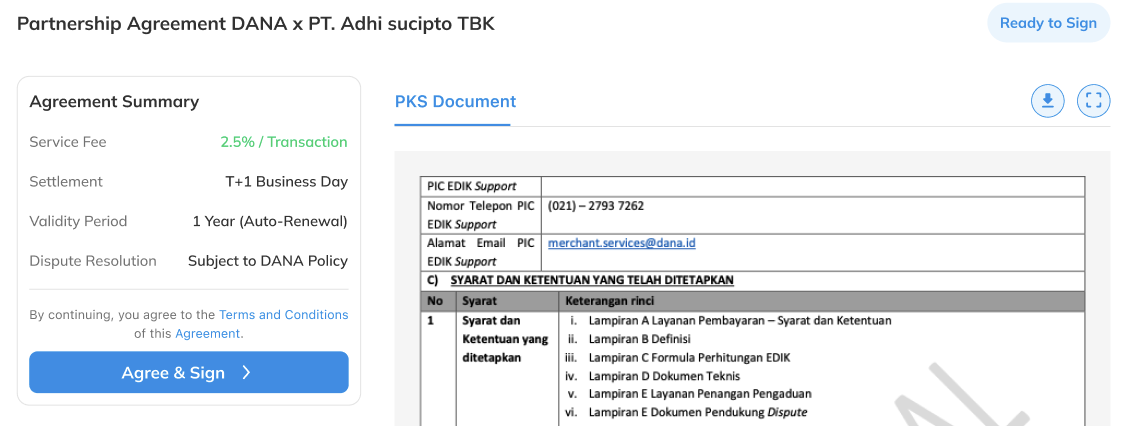
- Click
Continue to open the agreement details. Review the agreement summary and the PKS document, then confirm you agree and complete the signer/charged-person details. - You will receive an email to sign the PKS open it and complete the signing process. Once signed, the status will automatically update to
Signed . If anything is unclear, you can request a revision or clarification.
Before starting this phase, confirm you’ve completed sandbox integration and testing, and check the Merchant Portal login email and the UAT Sign-Off email to obtain your production credentials.
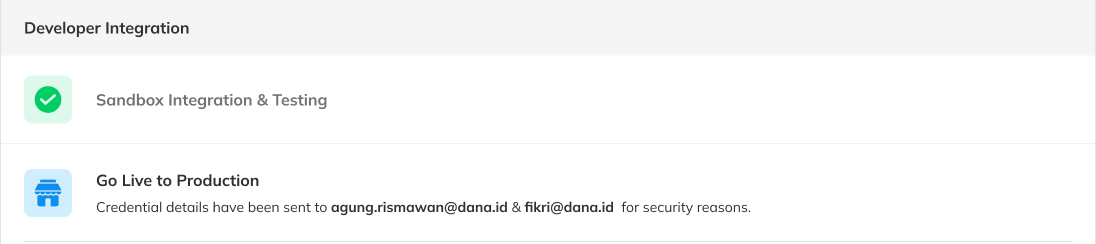
Production Testing (Pilot Testing)
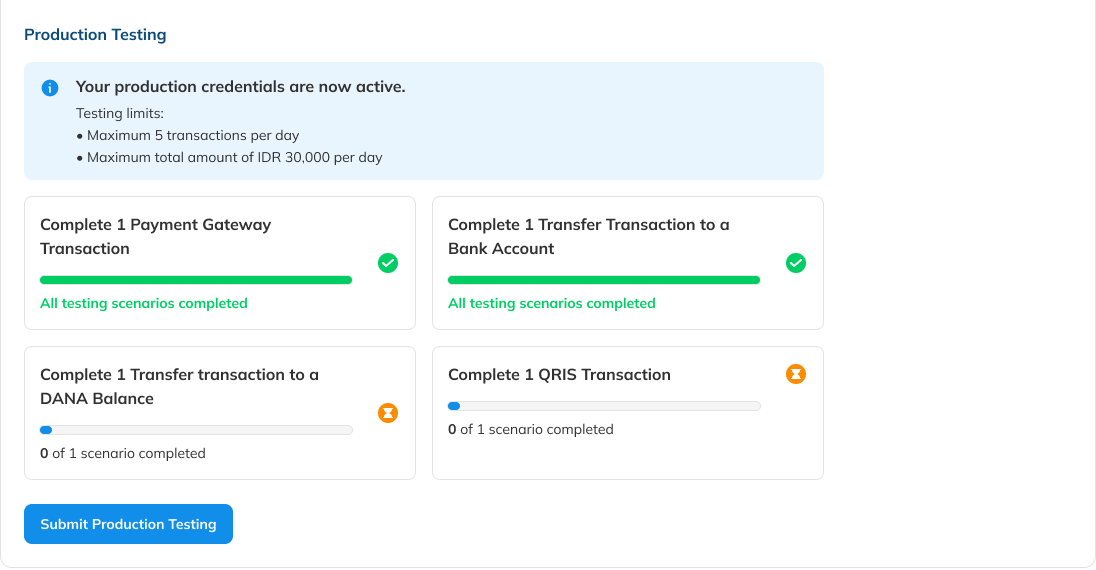
Production Testing (Pilot Testing) is a mandatory validation step before full production approval. Merchants use the production credentials issued by DANA to run the required test scenarios directly in the production environment to confirm the integration works as expected.
Soft Go Live Rules
During Production Testing, transactions are limited by Soft Go Live rules. These limits apply until the required Partnership Agreement and Production Testing steps are completed. Payment (Pay-ins):
- Maximum 5 transactions per day.
- Maximum total amount of IDR 50,000 per day.
Disbursement (Payouts):
- Maximum 5 transactions per day.
- Maximum total amount of IDR 50,000 per day
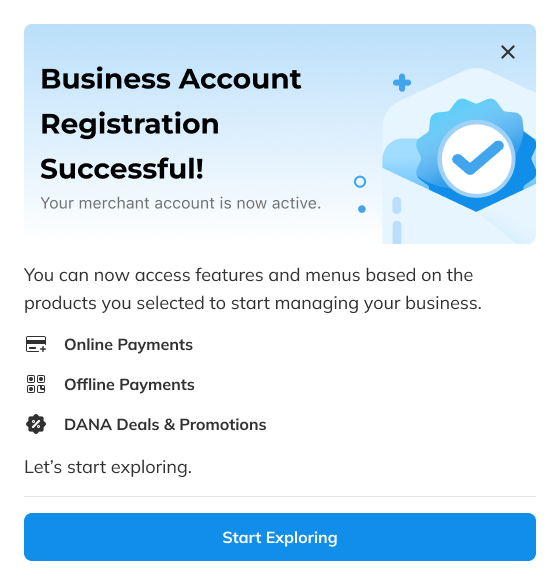
This popup appears after the merchant has signed the Partnership Agreement and completed Production (Pilot) Testing. It confirms that the business account is active and that the merchant can start using the available features and menus based on the selected products.