Scenario Testing (UAT Testing)
UAT testing ensures your integration works correctly before going live.
Run predefined scenarios in Merchant Portal to validate your API and verify expected results.
Before You Start
- Merchant Portal account is created
- Sandbox webhook is registered
- Sandbox credentials are ready
Run UAT Testing
-
Go to Integration Checklist.
On this page, you’ll see what to complete before going live:
Automatically marked as complete once all required scenarios have passed.
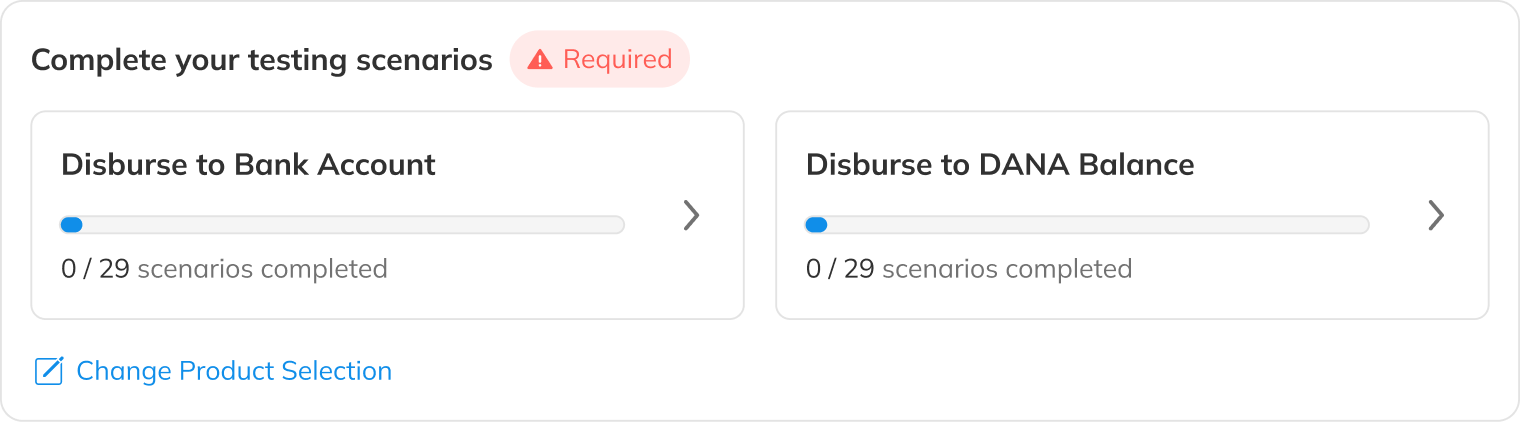
Select your Product Selection carefully. Your selection determines the testing scenarios you must complete.
-
Run all required scenarios
-
Ensure all are Passed
How it works
- Run scenarios using sandbox credentials
- Results are validated automatically
- Status updates in Merchant Portal
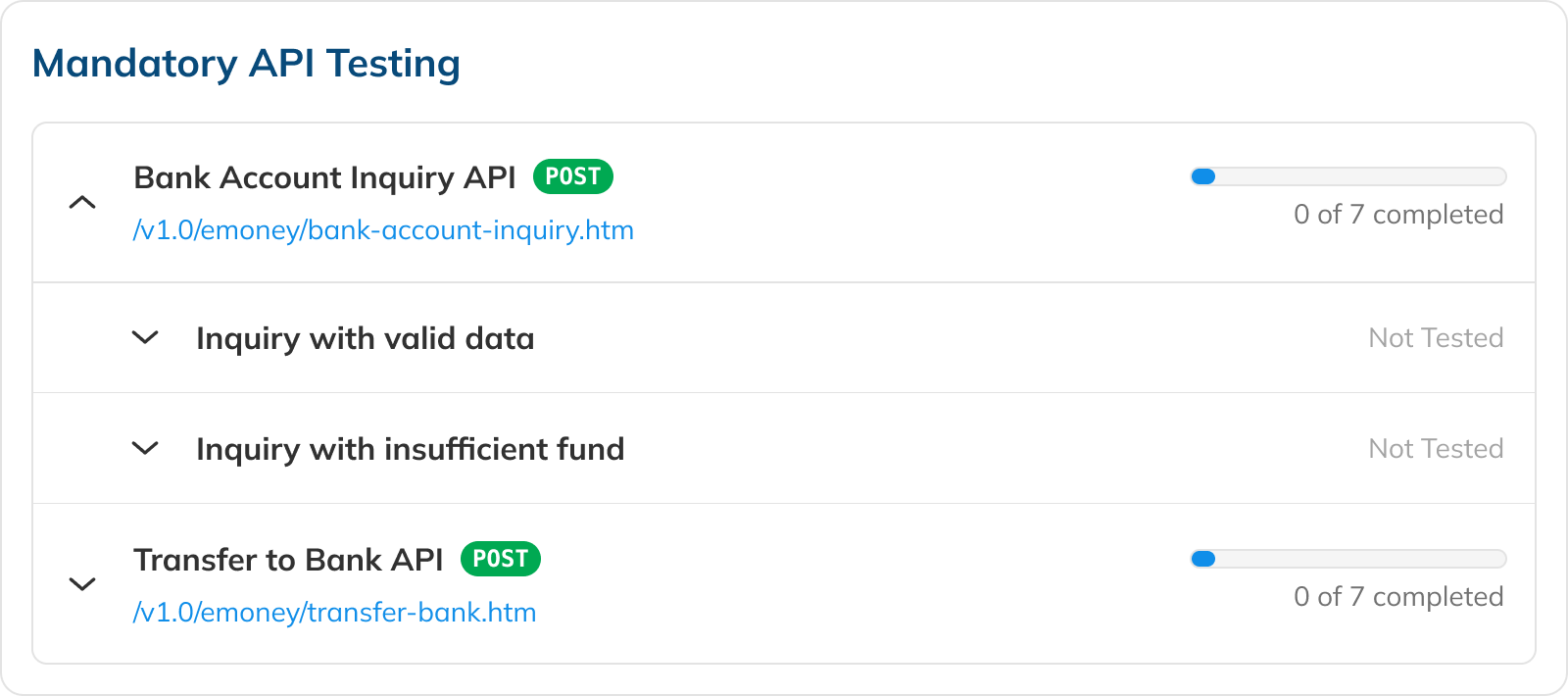
Mandatory scenarios → Must be completed to pass UAT.
Expand each API to see available scenarios and their status.
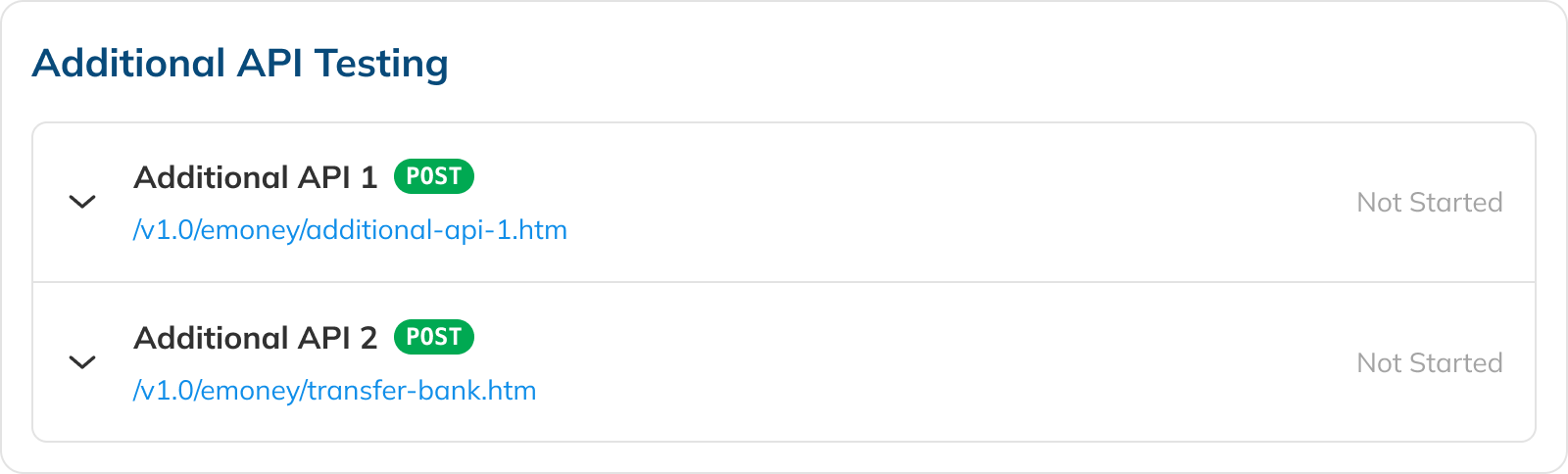
Additional scenarios → Used for additional validation (not required to proceed).
If you decide to use any of the additional APIs, you will need to complete every testing scenarios relating to that API.
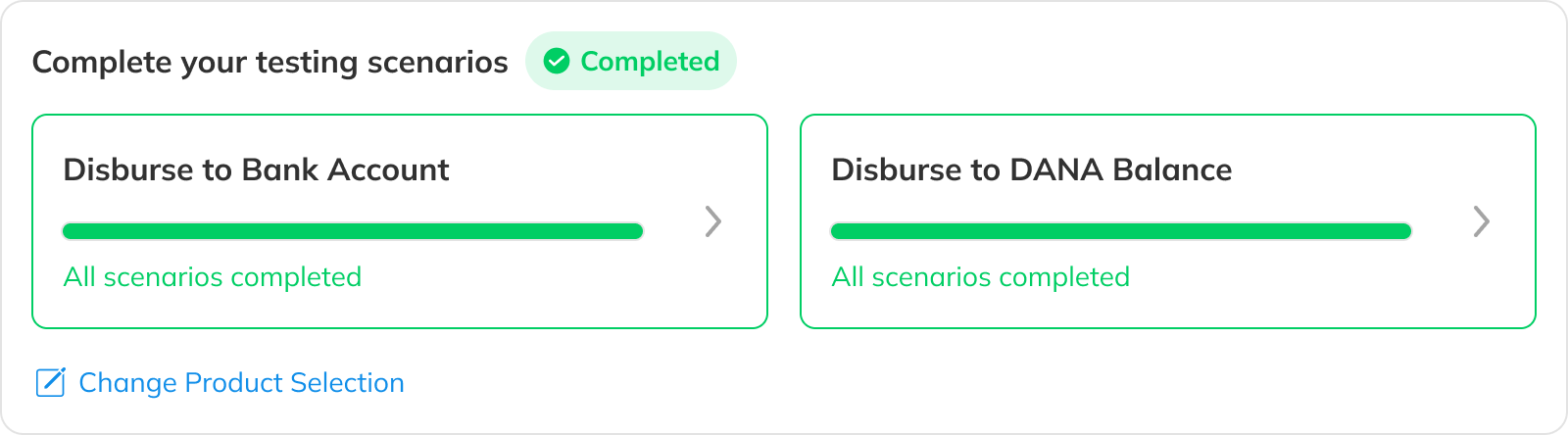
All required scenarios passed → UAT complete.
You can now proceed to Production Submission.
Automated Testing Script
Use our specialized UAT testing suite to save days of debugging.
To speed up your integration, we have provided an automated test suite. It takes under 15 minutes to run your integration against our test scenarios.
Currently the following programming languages are supported:
